Join Team KCNQ2
Fundraise your way. We’ll help.

Every year, KCNQ2 families and friends host walks, golf outings, birthday fundraisers and more. Pick an idea, and our team will support you from planning to thank-you notes.
Pick your path
Four ways to raise money for KCNQ2
No experience needed. Choose the option that fits your time and your community.
Easiest start
Personal fundraising page
Ask for donations instead of gifts for a birthday, anniversary, graduation, walk or run. Set up takes a few minutes.
Create your page →On social
Fundraise on Facebook or Instagram
Donate your birthday or start a fundraiser on social media so friends can give right where they celebrate you.
See how to set it up →Wear it
Custom KCNQ2 T-shirts
Run a shirt campaign on Bonfire for your team or event. Bonfire ships to supporters and sends the funds to KCNQ2 Cure Alliance.
Visit our Bonfire store →Bring people together
Host your own event
Walks, golf outings, school or workplace drives. Our Fundraising Handbook walks you through every step.
Plan an event →How it works
Choose your idea
Pick one of the four paths above, or email us with an idea of your own.
Share your why
Tell friends and family why KCNQ2 matters to you. Personal stories inspire the most gifts.
We’ve got your back
Our team helps with materials, promotion and questions, so you are never doing this alone.
Free download
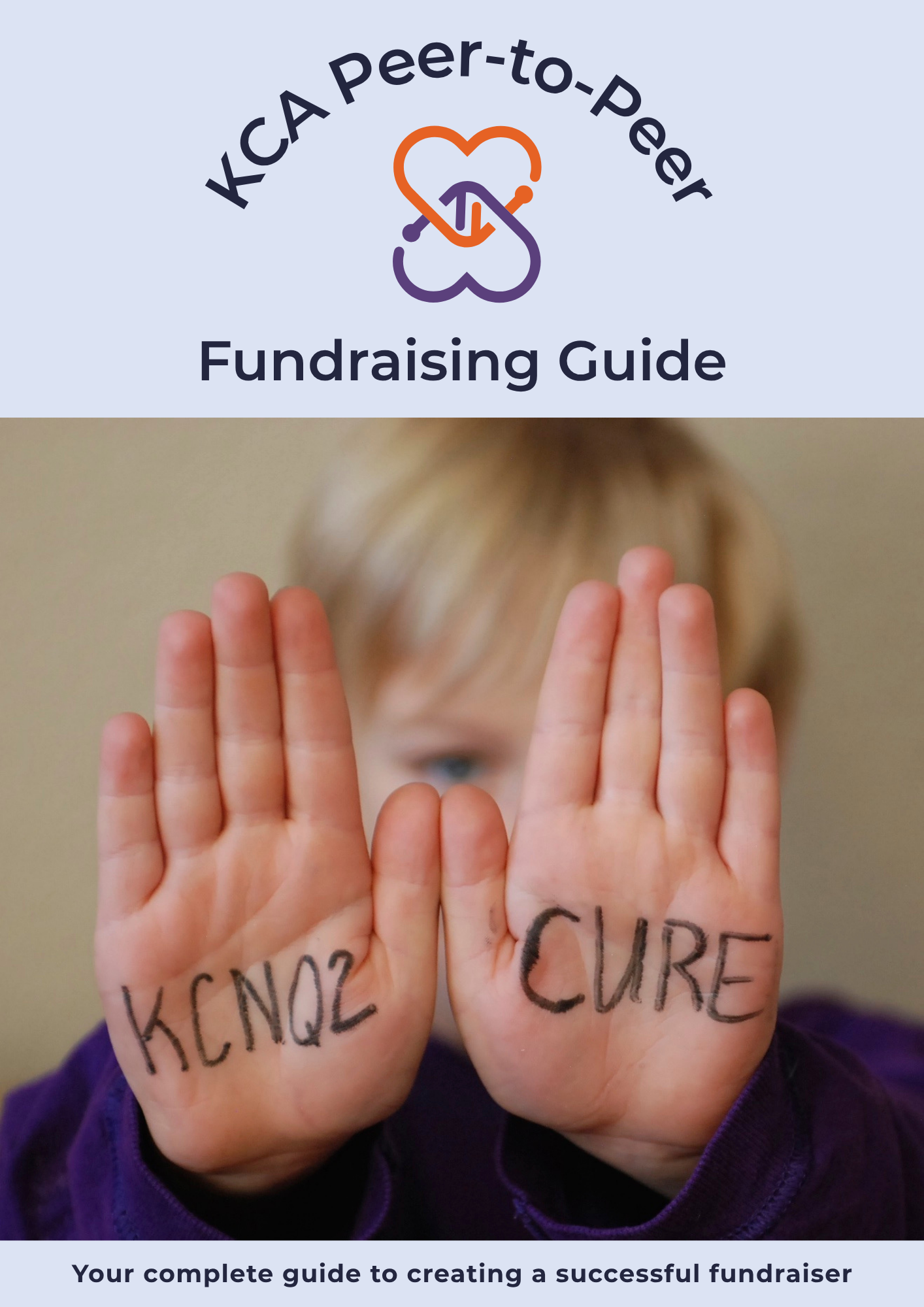
The KCNQ2 Fundraising Handbook
Everything you need to plan your event: timelines, promotion tips, sample messages and how to send in donations.
Download the handbook (PDF)Unity. Hope. Strength. Love.
Team KCNQ2 in action


Not sure where to start?
Tell us a little about your idea and we’ll help you choose the right option.
Email [email protected]
Social media fundraising
Fundraise where your friends already are
A powerful way to raise awareness and funds is to start fundraising pages across platforms. Here’s how to set one up on Facebook, Instagram, and TikTok.
Facebook fundraiser
- Log in to your account and open the account menu. In the app, tap the three-line icon at the bottom right. On desktop, use the menu on the left side of your screen.
- Scroll down to Fundraisers. You may need to select See More to find it.
- Select Fundraiser under Create in the left-hand menu.
- Click Get Started.
- Select Nonprofit and search for KCNQ2 Cure Alliance.
- Set your fundraising goal and campaign end date.
- Tell your story!
Facebook campaign page (opens in new tab)Instagram fundraiser
Good to know
TikTok fundraiser
TikTok lets you support nonprofits through donations on your profile, in your videos and during live streams. Here’s how to add a fundraiser to your profile:
Donation stickers
You can also add a donation sticker to your videos and live streams so viewers can give while they watch. Tap the sticker icon when creating a video or during a live stream, then select the Support Nonprofit sticker.